CNexa Solutions

Custom workflows, system integrations, and AI automation built around your business. Connect your tools, simplify everyday tasks, and keep your team in control.

Connected systems.
Clearer operations.

01 / SERVICES

Your workflow.
Built to work together.

Custom automation across business functions.
Designed around your tools and processes.

01

Workflow automation

Move routine tasks forward automatically, from the first trigger to the next action.

Example workflows

  • Lead follow-ups
  • Approval routing
  • Recurring reports
  • Document processing
02

System integrations

Connect your business tools so information moves between them without repeated copying.

Systems we connect

  • CRMs
  • Accounting platforms
  • Ecommerce tools
  • Internal databases
03

AI-assisted automation

Use AI to process information and prepare responses, with human review where decisions need it.

Example AI tasks

  • Document extraction
  • Request classification
  • Record summaries
  • Response drafts

Have a different workflow in mind?

Tell us what takes too much time and which tools you use. We’ll assess what can be automated and where people need to stay involved.

Discuss your workflow

02 / HOW WE WORK

Clear requirements.
Accountable automation.

Know what your automation does,
where people step in, and how to recover.

01

Understand your workflow

Start with the repetitive work, the tools you use, and the people involved. Define what the automation needs to do.

02

Build the connections

Connect your systems and define the rules, with clear points for human review and approval.

03

Test and hand over

Check everyday tasks and failure scenarios. Document how the workflow runs and what to do when it needs attention.

03 / SELECTED WORK

Automation for
operational challenges.

Four selected projects showing how we approach complex automation. Each solution is built around the workflow, tools, and requirements involved.

Select a system to explore its design and evidence.

Documented client system

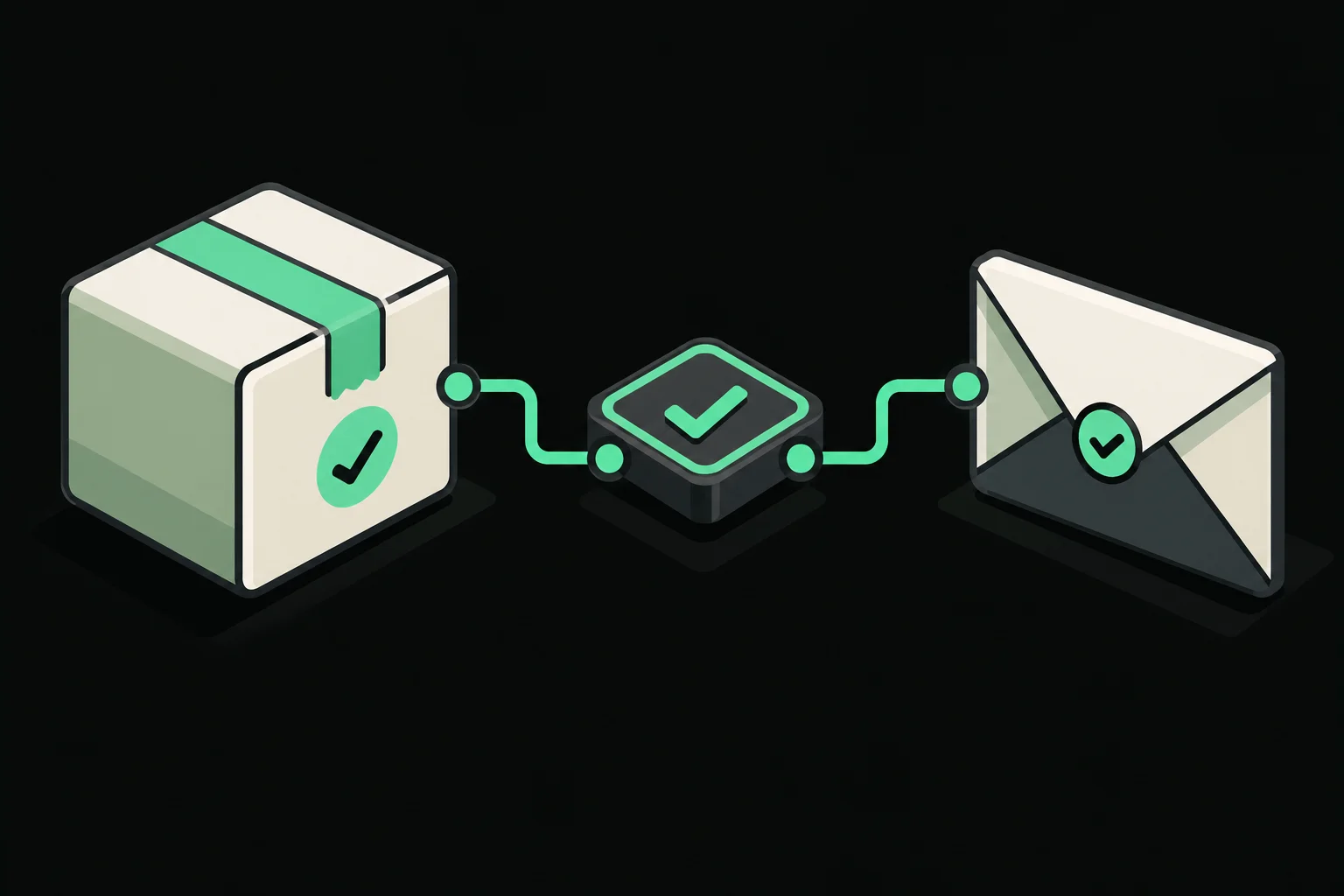
Shopify fulfillmentShipment notifications.

Connect Shopify fulfillment, shipment tracking, and customer notifications through a database-backed queue with checks and recovery monitors.

  • n8n
  • Shopify
  • AfterShip
  • Supabase
  • Gmail
  • Telegram
  1. Order received
  2. Fulfillment checked
  3. Tracking synchronized
  4. Customer notified

What this means for your business

Problem
Fulfillment checks, shipment tracking, and customer updates involve repeated work across several tools.
Solution
Connect order checks, shipment tracking, and queued customer notifications, with alerts when work needs attention.
Benefit
Helps reduce manual handoffs and keeps customers informed about their shipments. Actual time savings have not been measured.

Durable outbox · recovery monitors

Challenge & system design

The challenge

Fulfillment, tracking updates, and customer communication span multiple tools. Manual handoffs create coordination work, while retries risk repeating actions that have already succeeded.

The solution

The system connects Shopify fulfillment to AfterShip tracking and a database-backed notification queue. Staff provide tracking details, automated checks control fulfillment, and monitors surface work that needs attention.

Engineering decisions

Check before committing.

Database intake claims and fulfillment locks coordinate processing. Orders with anything other than one eligible fulfillment order are routed for review.

Recover without guessing.

When an external action succeeds but local persistence is uncertain, reconciliation checks external state before retrying. A durable outbox separates event intake from notification delivery.

Keep communication controlled.

HMAC-validated shipment webhooks feed seven notification templates. Recipient details come from trusted database records, with test and live send gates.

Architecture & workflows

Fulfillment & shipping confirmation

The main fulfillment canvas connects order intake, fulfillment checks, database state, and staff notifications.

Tracking intake validation

Validates tracking registration requests and loads the trusted recipient before passing work to registration.

Tracking registration

Coordinates registration claims, AfterShip requests, database completion, and failed-registration review.

Shipment status updates

Validates webhook signatures, normalizes tracking events, and queues updates for customer communication.

Webhook validation close-up

Detail view of signature checking, raw JSON extraction, event normalization, and tracking-update intake.

Notification outbox worker

Processes queued notifications through send and verification paths, then updates delivery state.

Six recovery workflows

An operations overview showing notification-claim, outbox, fulfillment, registration, and tracking recovery routines.

Evidence & limitations

The case study documents 11 workflows, 185 nodes, a notification worker, and six watchdogs. These describe implementation scope; they are not a production performance benchmark.

Estimated manual effort that could be saved

33 to 60 hours / month

Based on client-reported 500 to 600 monthly orders and an assumed 4 to 6 minutes of manual work per order. Actual savings have not been measured.

Limitations & next steps

Database function internals and complete production execution evidence were not included in the supplied materials. Production impact still needs measurement.

Shipment confirmation · Test outputOpen original ↗

The shipment email presents the shipped status, a tracking link, and the items in test order #1068.

Test shipment confirmation email for order 1068, with a shipped status, tracking button, two sample products, and an order summary.
Out-for-delivery update · Test outputOpen original ↗

A second email for the same test order presents the out-for-delivery status, sample location, and updated progress indicator.

Test out-for-delivery email for the same order 1068, with an updated shipment progress indicator and sample location.
Fulfillment monitoring · Test outputOpen original ↗

A separate test dataset shows shipped records with resolved recovery statuses and a pending shipment marked escalated after two reminders. These rows are not matched to the email examples above.

Separate test spreadsheet showing shipped and pending-shipment records, reminder counts, resolved and escalated recovery statuses, and Shopify fulfillment results.
Tested · awaiting handoff

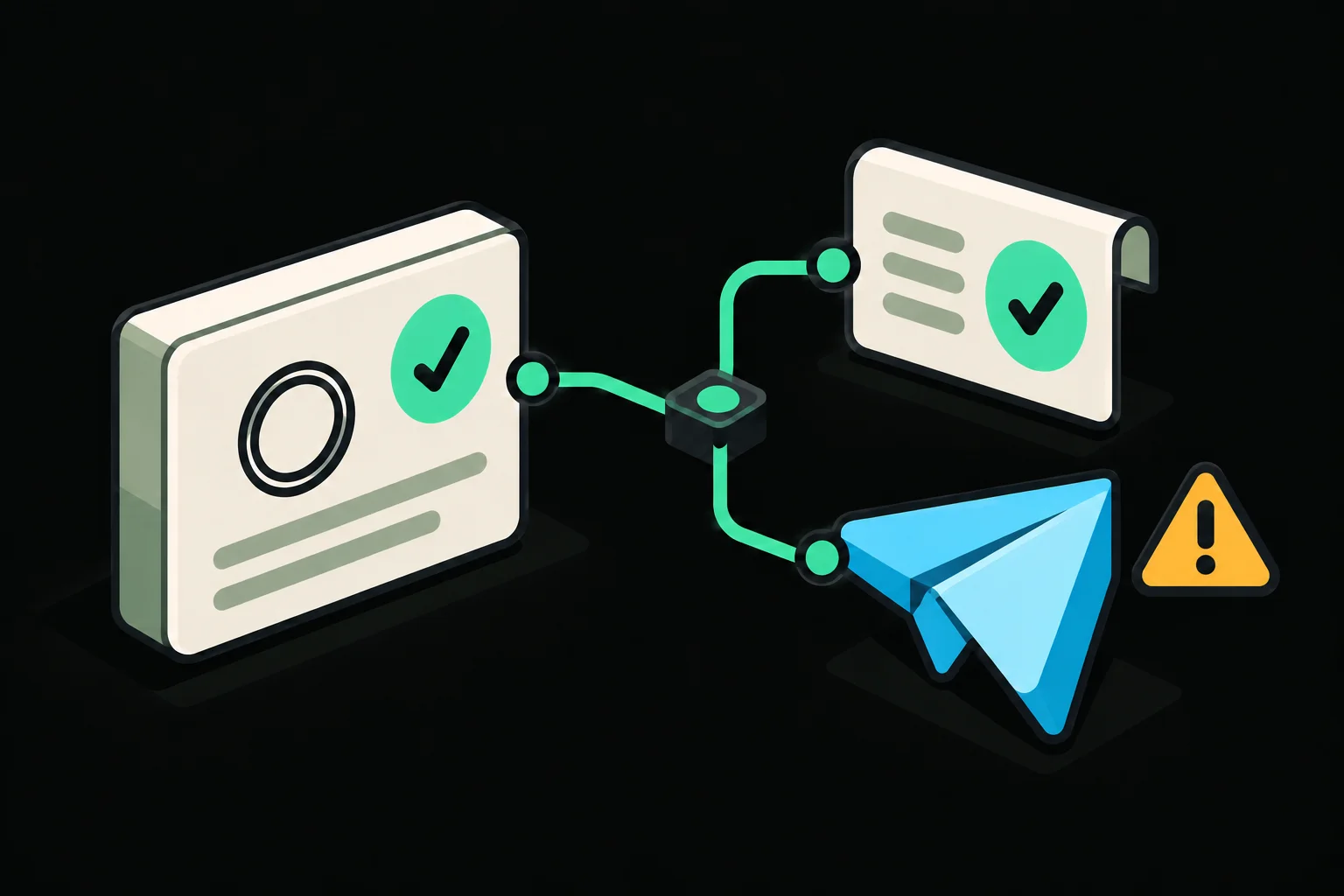
Priority supportAcknowledgments & alerts.

Acknowledge critical customer confirmations and notify administrators of high-priority tickets in Telegram, with staff approval for customer replies.

  • n8n
  • Gmail
  • Botcake
  • Supabase
  • OpenAI
  • Telegram
  1. Message received
  2. Priority identified
  3. Admin notified
  4. Staff reviews

What this means for your business

Problem
Important customer confirmations can get lost between email, Messenger, and staff handoffs.
Solution
Acknowledge critical confirmations, alert administrators in Telegram, and let staff review replies before sending.
Benefit
Gives staff a clearer next step for urgent requests while keeping customer replies under human control. Production impact remains unmeasured.

Critical confirmations acknowledged · approved replies

Challenge & system design

The challenge

Support staff need to connect email and Messenger conversations with ring-size confirmations and shipment details. Missed handoffs can leave both customers and staff unsure of the next step.

The solution

Gmail and Messenger intake feed a shared ticket process. Critical ring-size confirmations have a dedicated receipt-acknowledgment path, while high-priority ticket alerts reach administrators in Telegram. Staff claim tickets, retrieve approved knowledge, and review customer replies and tracking updates before delivery.

Engineering decisions

Surface the critical message.

Ring-size confirmations are prioritized, acknowledged, and surfaced to administrators through Telegram ticket alerts. Staff claim tickets and review knowledge-assisted drafts before approving replies.

Model the actual order.

Tracking supports multiple ring variants with color, size, and quantity. Ring-size confirmations are recognized and acknowledged as part of the support flow.

Verify uncertain outcomes.

Sent-message verification helps reconcile uncertain sends. Four stalled-state monitors, a Gmail error handler, and daily Sheets reconciliation support recovery.

Architecture & workflows

Gmail ticket intake & routing

Classifies inbound email, records ticket state, routes administrator alerts, and handles customer acknowledgments.

Messenger ticket intake

Records Messenger tickets and separates new-ticket alerts from follow-up notifications.

Order intake & duplicate checks

Order-context workflow showing cached authentication, duplicate checks, intake claims, and customer lookup.

Telegram administrator actions

Administrator action paths with knowledge retrieval and review-assisted reply drafting.

Secure reply editor

Separate editor paths for retrieving, validating, and submitting staff-reviewed replies.

Knowledge-base PDF ingestion

Validates uploaded PDFs, checks prior ingestion, and routes documents into a vector-store embedding pipeline.

Ticket-sheet synchronization

Mirrors email and Messenger ticket records into Google Sheets, with a scheduled reconciliation path.

AI generation recovery monitor

Finds stalled AI generations, sends a Telegram alert, and records that review was requested.

Acknowledgment review monitor

Finds stalled size acknowledgments and brings them to staff attention in Telegram.

Tracking-send recovery monitor

Checks stalled tracking sends and records alerts to avoid repeatedly notifying staff.

Reply-send recovery monitor

Finds stalled reply sends and coordinates notification records with Telegram alerts.

Workflow failure email

Routes execution failures from an error trigger to an administrator email.

Evidence & limitations

The source documents 11 workflows and 263 nodes across two inbound channels. Selected tests include a 60-row observation: 59 Gmail records and one Messenger record.

Documented capability

Two channels. Human control.

Tested configuration awaiting client handoff. The sample records are test evidence, not a claim about production traffic.

Limitations & next steps

Response-time improvements and production savings have not been measured. Handoff and live operational validation remain next steps.

Customer acknowledgment · Sample outputOpen original ↗

The email acknowledges receipt of ring variant details under a support ticket and explains that the team will review them before providing a tracking update.

Redacted email conversation with ring size and quantity details and a support acknowledgment stating that the team will review the details.
High-priority Telegram alert · Sample outputOpen original ↗

The alert marks the size confirmation as high priority and presents the message alongside actions to accept the ticket or open the Gmail thread.

Redacted Telegram size-confirmation alert marked high priority, with the customer message, Accept Ticket action, and Open Gmail Thread action.
Staff tracking form · Sample outputOpen original ↗

The staff form collects a tracking number and optional link, with separate color, size, and quantity fields for each item. Its submission action requests Telegram approval.

Redacted tracking form with shipment details, two ring variants, an expiration notice, and a Submit for Telegram approval button.
Customer tracking email · Sample outputOpen original ↗

The customer email presents tracking information and a shipment item breakdown, including color, size, and quantity for multiple ring variants.

Redacted tracking information email listing a gold ring in size 8 with quantity 1 and silver rings in size 9 with quantity 2.
Portfolio demonstration

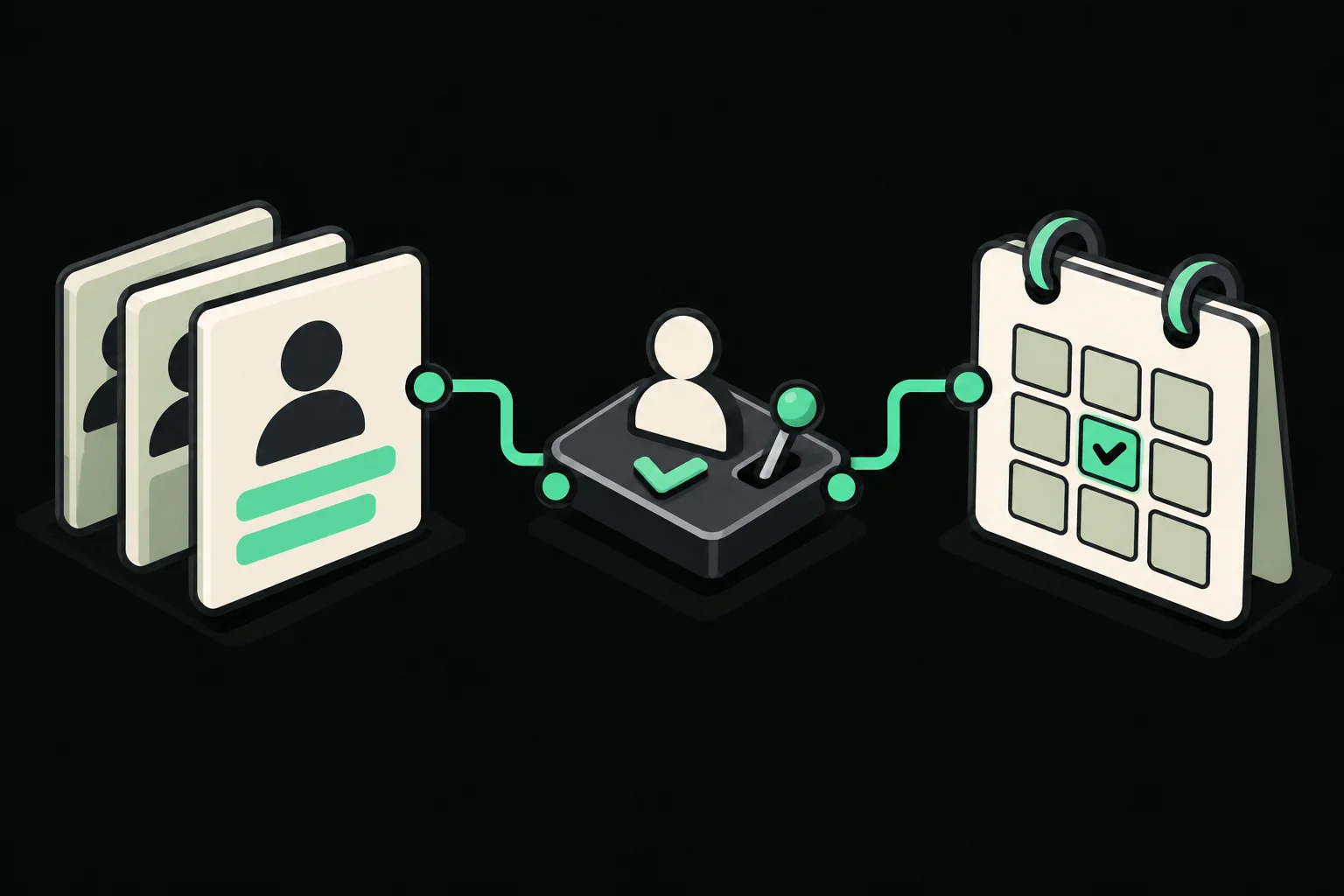
RecruitmentHuman-led decisions.

Structure application evidence and coordinate interview scheduling, with explicit review criteria, audit records, and human hiring decisions.

  • n8n
  • PostgreSQL
  • Google Drive
  • Gmail
  • Google Calendar
  • AI extraction
  1. Application received
  2. Evidence structured
  3. Human shortlists
  4. Interview booked

What this means for your business

Problem
Application documents, reviewer decisions, and interview bookings need coordination across several tools.
Solution
Organize application evidence and coordinate interview bookings, while people decide who advances.
Benefit
Designed to reduce recruitment administration and keep decisions traceable. This is a portfolio demonstration, not a live HR service.

Deterministic scoring · audit history

Challenge & system design

The challenge

Recruitment spans attachments, job criteria, reviewer decisions, and calendar availability. Those steps need consistent state and a record of who decided what.

The solution

This demonstration uses AI to extract candidate evidence, deterministic rules to score it against approved job definitions, and human review to decide who advances. Scheduling includes explicit reservation and recovery logic.

Engineering decisions

Separate evidence from judgment.

AI assists with evidence extraction. Versioned job definitions and weighted scoring keep criteria explicit, while people retain shortlist and rejection decisions.

Treat booking as a transaction.

Confirmation pages use GET; booking actions use POST. Atomic reservations, deterministic calendar identifiers, and compensation paths handle partial failures.

Leave a traceable record.

An append-only audit records scheduling actions. Protected schedule management uses basic authentication and an allowlist, with reporting verification.

Architecture & workflows

Database setup

Manual setup canvas for the HR tables, scheduling records, constraints, audit history, and supporting database functions.

Job-description ingestion

Loads job-definition inputs, checks ingestion state, and records structured criteria for subsequent screening.

Resume intake & screening

Connects application intake, attachment handling, evidence extraction, structured screening, and reviewer communication.

Interview scheduling

Shows booking validation, atomic slot reservation, calendar creation, and compensation paths for incomplete bookings.

Interview schedule management

Coordinates schedule-management requests, availability, reservations, cancellation, and calendar state.

Reporting dashboard synchronization

Synchronizes application and interview-slot records to Google Sheets and verifies the resulting dashboard state.

Monitoring & operations

Connects failure handling and scheduled health checks to operational alerts and notification-state updates.

Evidence & limitations

The PDF reports controlled tests rejecting unauthorized requests and retaining create/cancel audit records. Reporting tests synchronized 17 application rows and 16 slot rows; four issues exercised alert cooldown.

Design principle

Human-led hiring decisions

Seven documented workflows and 195 nodes in an independent portfolio demonstration, including one manual database setup workflow.

Limitations & next steps

This is not a production HR platform. Production identity controls, retention rules, invitation tokens, a delivery outbox, and load/security testing remain on the roadmap.

Candidate assessment summary · Sample outputOpen original ↗

The sample report summarizes résumé evidence and presents an advisory score and shortlist recommendation for a reviewer.

Sample candidate report with an advisory score, evidence confidence, shortlist recommendation, and résumé summary.
Weighted criteria and evidence · Sample outputOpen original ↗

The breakdown connects weighted criteria and ratings to supporting résumé statements, so the reviewer can inspect the basis of the recommendation.

Sample assessment breakdown showing weights, ratings, and résumé evidence for workflow development and API integration.
Human decision controls · Sample outputOpen original ↗

The review interface keeps the final decision with HR and provides Reject and Shortlist actions. The screenshot does not show a completed decision.

Final HR review notice stating that the recommendation is advisory, with Reject and Shortlist buttons.
Interview scheduling invitation · Sample outputOpen original ↗

The invitation offers three interview slots in Philippine Time, with a selection action for each option.

Interview invitation for an n8n Automation Developer role offering three thirty-minute time slots in Philippine Time.
Calendar interview confirmation · Sample outputOpen original ↗

The calendar invitation presents the confirmed interview time, Google Meet access, and RSVP controls. This is a confirmation example rather than the available-slot invitation above.

Redacted Google Calendar invitation with confirmed interview time, Google Meet access, and RSVP controls.
Portfolio demonstration

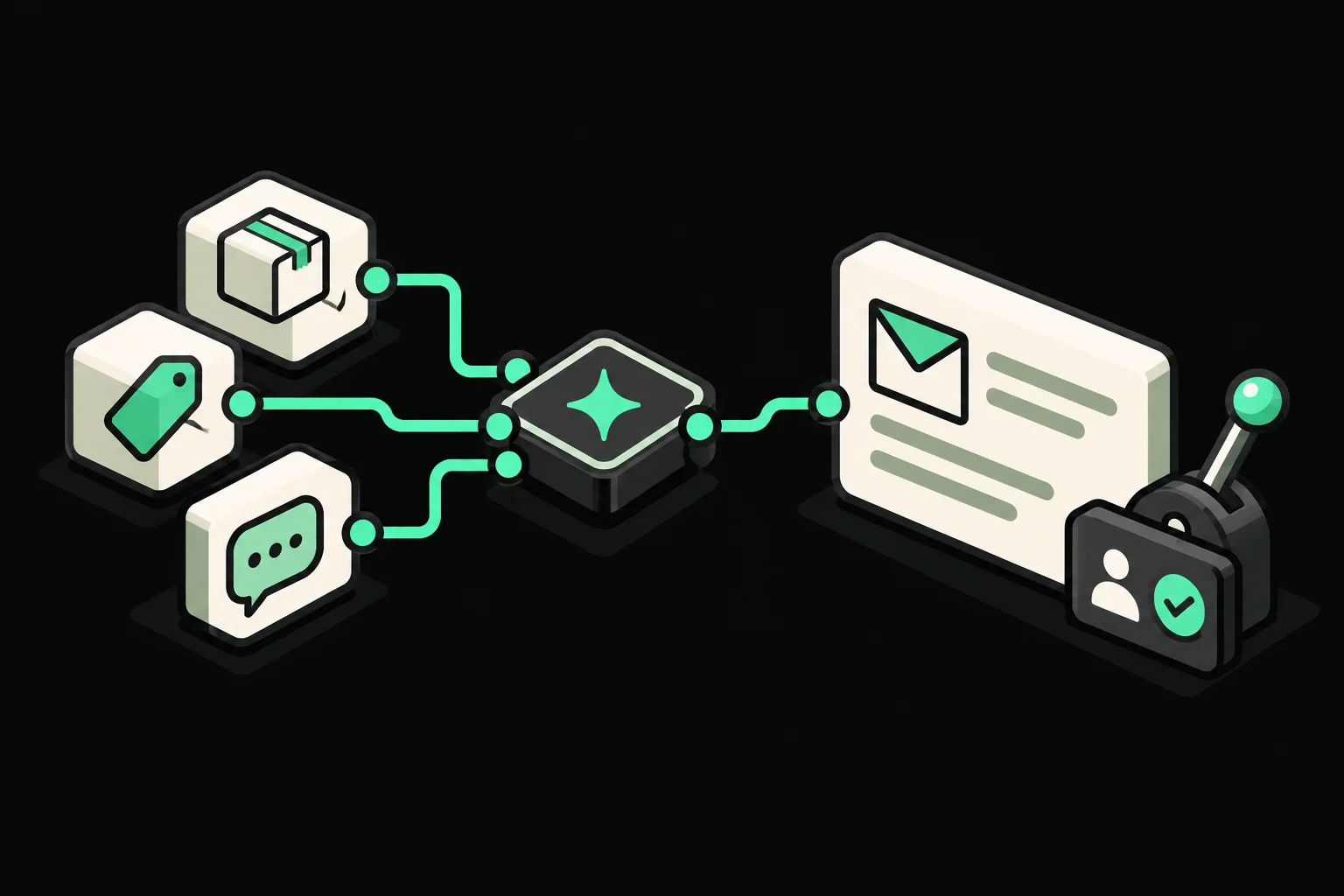
Support agentAI-assisted replies.

Generate email drafts from order, product, and conversation context, with controlled delivery rules and human review for sensitive cases.

  • n8n
  • Gmail
  • Google Sheets
  • OpenAI
  • Telegram
  1. Email received
  2. Context assembled
  3. Draft evaluated
  4. Send or review

What this means for your business

Problem
Support staff need to gather order details and conversation history before preparing a useful reply.
Solution
Use relevant information to draft replies, with limited automatic delivery and human review for sensitive or uncertain cases.
Benefit
Designed to reduce repetitive reply preparation while keeping oversight where it matters. Production benefits have not been measured.

Risk-based routing · capped redrafts

Challenge & system design

The challenge

A helpful support draft depends on the right order, product, and conversation context. Automatically sending every AI-generated answer would give sensitive and uncertain cases too little oversight.

The solution

The agent resolves email threads into cases, retrieves relevant context, and creates structured drafts. Supported low-risk cases can follow a narrow automatic-delivery policy; other cases go to Telegram for review.

Engineering decisions

Retrieve only relevant context.

Conditional retrieval brings together order, product, FAQ, and memory information. Deduplication and thread-to-case resolution keep repeat messages attached to the right case.

Put boundaries around autonomy.

Sensitive or uncertain drafts require human review. Reviewers can approve, reject, provide feedback, or link a case, with a maximum of three redrafts.

Make stalled work visible.

Recovery checks cover processing older than ten minutes and uncertain sends older than five minutes. A separate error handler catches execution failures.

Architecture & workflows

Support agent & contextual drafting

Combines email intake, order and product context, structured reply drafting, evaluation, and delivery routing.

Telegram human review

Coordinates staff approval, feedback, redrafting, and case actions through Telegram.

Ticket recovery monitor

Finds stalled processing and uncertain automatic sends, updates recovery state, and alerts the reviewer.

Automation error handler

Connects execution errors to a configured Telegram notification for the reviewer.

Evidence & limitations

Four workflows and 147 nodes are described in the source, with configuration and selected screenshots supporting the case-handling and review narrative.

Documented capability

Defined escalation and review

A portfolio demonstration of context retrieval, bounded drafting, and human oversight. No production response-time or savings claim is made.

Limitations & next steps

Production outcomes have not been measured. The next step is validating the send policy and recovery behavior against a representative test set before live use.

ArchitectureOpen original ↗
Shopify fulfillment & shipment notifications full architecture
Fulfillment & shipping confirmationOpen original ↗
Full-size n8n workflow: Fulfillment & shipping confirmation
Tracking intake validationOpen original ↗
Full-size n8n workflow: Tracking intake validation
Tracking registrationOpen original ↗
Full-size n8n workflow: Tracking registration
Shipment status updatesOpen original ↗
Full-size n8n workflow: Shipment status updates
Webhook validation close-upOpen original ↗
Full-size n8n workflow: Webhook validation close-up
Notification outbox workerOpen original ↗
Full-size n8n workflow: Notification outbox worker
Six recovery workflowsOpen original ↗
Full-size n8n workflow: Six recovery workflows
ArchitectureOpen original ↗
Customer support acknowledgments & priority alerts full architecture
Gmail ticket intake & routingOpen original ↗
Full-size n8n workflow: Gmail ticket intake & routing
Messenger ticket intakeOpen original ↗
Full-size n8n workflow: Messenger ticket intake
Order intake & duplicate checksOpen original ↗
Full-size n8n workflow: Order intake & duplicate checks
Telegram administrator actionsOpen original ↗
Full-size n8n workflow: Telegram administrator actions
Secure reply editorOpen original ↗
Full-size n8n workflow: Secure reply editor
Knowledge-base PDF ingestionOpen original ↗
Full-size n8n workflow: Knowledge-base PDF ingestion
Ticket-sheet synchronizationOpen original ↗
Full-size n8n workflow: Ticket-sheet synchronization
AI generation recovery monitorOpen original ↗
Full-size n8n workflow: AI generation recovery monitor
Acknowledgment review monitorOpen original ↗
Full-size n8n workflow: Acknowledgment review monitor
Tracking-send recovery monitorOpen original ↗
Full-size n8n workflow: Tracking-send recovery monitor
Reply-send recovery monitorOpen original ↗
Full-size n8n workflow: Reply-send recovery monitor
Workflow failure emailOpen original ↗
Full-size n8n workflow: Workflow failure email
ArchitectureOpen original ↗
HR recruitment automation full architecture
Database setupOpen original ↗
Full-size n8n workflow: Database setup
Job-description ingestionOpen original ↗
Full-size n8n workflow: Job-description ingestion
Resume intake & screeningOpen original ↗
Full-size n8n workflow: Resume intake & screening
Interview schedulingOpen original ↗
Full-size n8n workflow: Interview scheduling
Interview schedule managementOpen original ↗
Full-size n8n workflow: Interview schedule management
Reporting dashboard synchronizationOpen original ↗
Full-size n8n workflow: Reporting dashboard synchronization
Monitoring & operationsOpen original ↗
Full-size n8n workflow: Monitoring & operations
ArchitectureOpen original ↗
Customer support agent full architecture
Support agent & contextual draftingOpen original ↗
Full-size n8n workflow: Support agent & contextual drafting
Telegram human reviewOpen original ↗
Full-size n8n workflow: Telegram human review
Ticket recovery monitorOpen original ↗
Full-size n8n workflow: Ticket recovery monitor
Automation error handlerOpen original ↗
Full-size n8n workflow: Automation error handler

04 / ABOUT CNEXA

An engineering approach.
Connected operations.

CNexa Solutions designs custom automation around the way your business works.

Founded and led by John Rey Cretesio, CNexa connects business tools and builds workflows across business functions. The selected projects show how that approach applies to fulfillment, customer support, and recruitment.

John Rey Cretesio, founder of CNexa Solutions

Meet the founder

John Rey Cretesio

Founder · AI Automation Engineer
Mechanical Engineer

I build automation around the people and processes behind each business. My engineering background shapes how I plan connections, test failure scenarios, and make workflows understandable to the people using them.

Foundation
Mechanical Engineer with a background in Information Communication and Technology (ICT), focused on web and application development.
Experience
n8n systems for fulfillment and customer support, plus portfolio projects in AI-assisted replies and recruitment.
Focus
Growing CNexa through custom automation projects, while developing AI engineering skills for more complex business systems.

05 / START A CONVERSATION

What would you like
to automate?

Tell us which task takes too much time, what tools you use, and what you want to change. We’ll discuss what can be automated and where to start.

Prefer another email app?
[email protected]